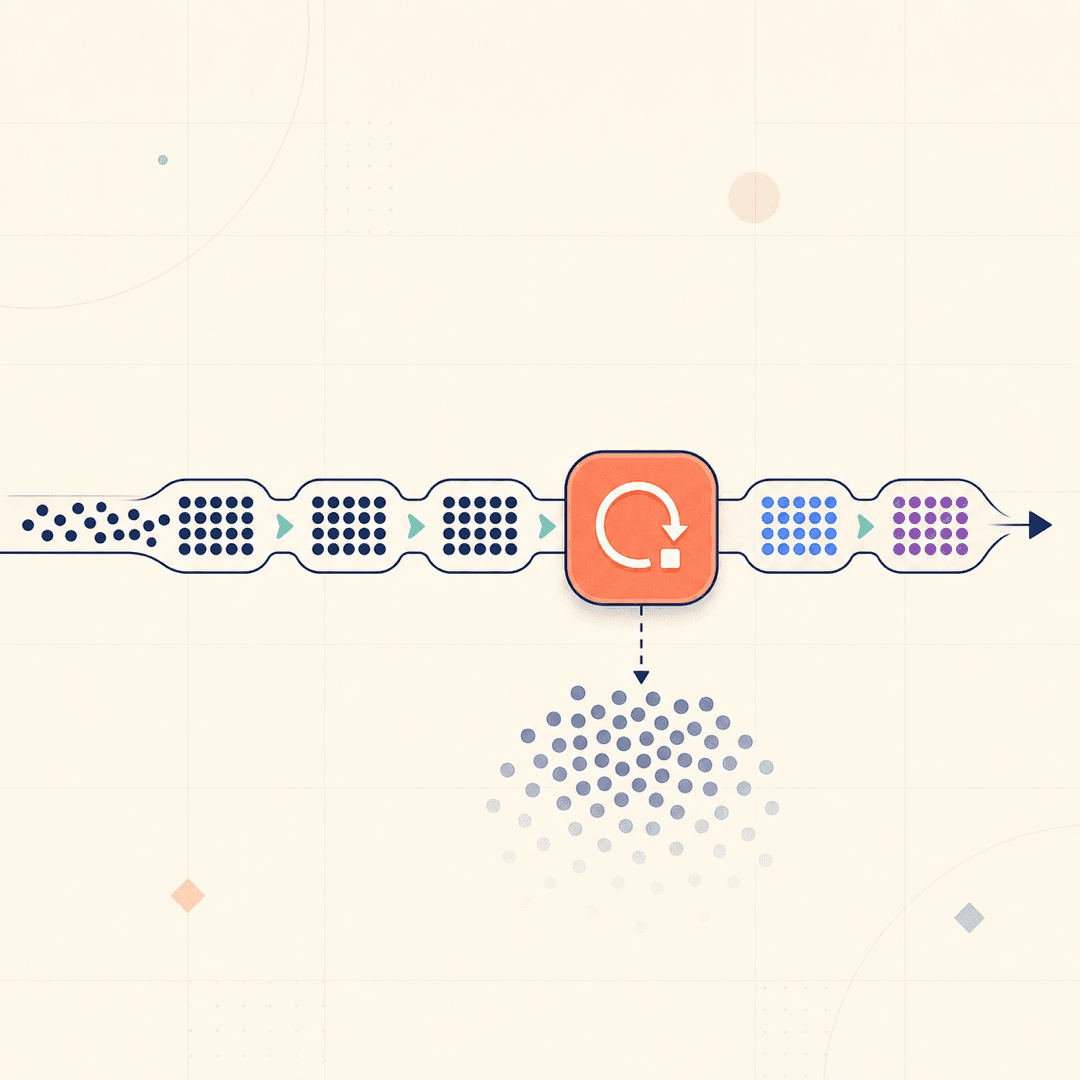
A workflow that processes ten records and a workflow that processes ten thousand are not the same workflow, even if the logic is identical. At scale, three things break: you hit API rate limits and get throttled or blocked, you run out of memory holding everything at once, or the whole run times out before it finishes. Batching and loop limiting are how you make a workflow that works on ten records also work on ten thousand.
Why you cannot just process everything at once
The naive approach loads every record and fires every API call as fast as n8n can. On a small dataset that is fine. On a large one it is a fast way to get rate-limited, because most APIs cap how many requests you can make in a window and will reject or throttle you past that. Worse, some will temporarily block you, which turns a slow workflow into a failed one.
Holding thousands of records in memory at once also strains the instance, and a run that takes too long can hit a timeout and die partway through, leaving your data in a half-updated state.
Split into batches
n8n’s batching lets you process records in controlled chunks rather than all at once. You define a batch size, and the workflow handles that many items, then loops back for the next batch. This keeps memory use flat regardless of dataset size and gives you a natural place to pace your API calls.
The right batch size depends on the API you are calling and its rate limits. Smaller batches are gentler and slower, larger batches are faster and riskier. Start conservative, watch for throttling, and tune from there.
Add deliberate pacing
Batching alone is not always enough. If you fire a batch’s worth of requests instantly, you can still exceed a per-second limit. Adding a short, deliberate wait between batches spaces your requests out so you stay under the limit. It feels counterintuitive to slow a workflow down on purpose, but a workflow that finishes slowly beats one that gets blocked halfway through.
Limit loops so they cannot run away
Any loop that depends on external data needs a limit. A loop that is supposed to page through results until it is done can, if something upstream changes, run far longer than intended, burning API quota and time. Set an explicit maximum number of iterations as a safety net. If the loop ever hits that ceiling, that is a signal to investigate, not a normal outcome, but the ceiling stops a runaway loop from becoming an expensive incident.
Design for the largest run, not the test run
The core lesson is to build for the scale you will actually hit, not the handful of records you test with. A workflow that quietly assumes small datasets will work perfectly right up until the day it does not, usually at the worst possible moment. Batching, pacing, and loop limits cost a little speed and buy you a workflow that scales without surprises.
Growth Wizard builds automation that handles real-world data volumes from day one, so a workflow that works in a demo also works when the dataset is a hundred times bigger. If your workflows fall over on large runs, batching is usually the missing piece.